Building and launching this site with an AI agent: what actually happened
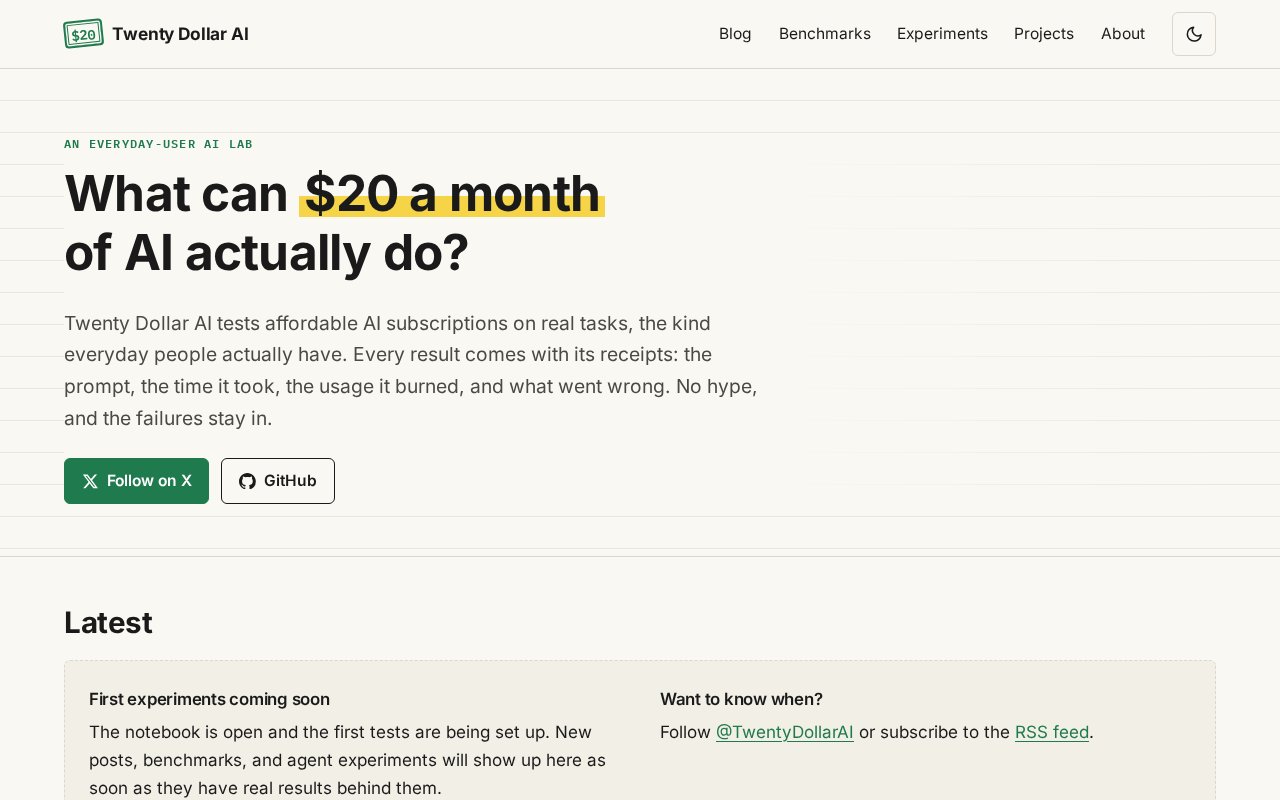
The site you’re reading is the project’s first experiment. I gave an AI agent (Grok Bot, whose commits are signed “Website Bot”) a written brief: plan, build, test and publish a website for Twenty Dollar AI on free hosting. This post covers what happened from that brief to a live site, including the parts that needed a human.
Every number here comes from the project’s own records: the agent’s phase reports, the test logs in the repository’s verification/ folder, the git history, and GitHub’s API responses. Each figure is labeled Measured, Estimate, Not measured or Not tested.
The brief and its ground rules
The brief split the work into five phases: planning, build, verification, deployment preparation, and publication. The agent had to stop for my approval before each of Phases 2 to 5. It also set rules for the agent:
- Never invent anything: no benchmark scores, prices, usage numbers, testimonials or personal experiences. Missing facts get clearly marked placeholders.
- $0 to start: free hosting and a free address, no paid APIs, no databases.
- No publishing, purchases or repository changes without explicit approval.
- Report at every milestone: what was done, what was tested, the problems, and what’s left.
When I approved the plan I added two requirements. Demo content must never appear on the live site. And I should be able to publish an article, benchmark or experiment by filling in a Markdown template, without touching code.
Timeline
All times are America/New_York (EDT). Times marked “~” are approximate. The rest come from date stamps in the agent’s phase reports, taken at the start and end of each phase, except 11:03, which is GitHub’s repository creation time (the API’s created_at).
| When | What happened | Agent time |
|---|---|---|
| Tue Oct 20, ~11:36 | I sent the brief. | — |
| ~11:41 | Phase 1 plan delivered: Astro on GitHub Pages, templates, and a “lab notebook that keeps receipts” design. I approved it, adding the two requirements above. | Not measured |
| 11:42:25–12:00:36 | Phase 2, build. Site, templates, dark mode, demo safeguards. | 18 min 11 s (Measured) |
| ~12:14 | I approved Phase 3. | — |
| 12:15:35–12:37:26 | Phase 3, verification. Browser, accessibility, Lighthouse, link and security tests. 4 defects fixed. | 21 min 51 s (Measured) |
| Wed Oct 21, ~9:23 | I confirmed I own the twentydollarai GitHub account. |
— |
| ~9:24 | I approved Phase 4. The agent’s computer restarted about a minute later. | — |
| ~9:27–9:40 | The agent’s tools kept failing. No Phase 4 work got done in this attempt. | ~13 min (Estimate, not counted below) |
| 9:40:55–9:51:11 | Phase 4, deployment preparation, redone from scratch: local git commit, deploy and maintenance guides. | 10 min 16 s (Measured) |
| ~10:03 | I approved Phase 5. The agent stopped before connecting to GitHub to agree on the least-privilege route (see below). | — |
| 11:03 | I created the empty public repository (GitHub API created_at: 15:03 UTC). |
— |
| ~11:11 | I created a fine-grained access token and handed it over. | — |
| 11:12:27–11:20:24 | Phase 5, publication. Push, deploy, live verification. | 7 min 57 s (Measured) |
Measured agent working time: 58 min 15 s. That’s the sum of the four timed windows (Phases 2–5). It leaves out the untimed Phase 1 planning, the roughly 13 minutes of failed tool calls after the restart, and all the time spent waiting for my approvals.
Elapsed time from brief to verified live site: about 23 h 44 min (Tue ~11:36 to Wed 11:20). Most of that was waiting: overnight, and between phases while I read reports and took the GitHub steps myself. It doesn’t show how long the agent needs to build a site. It shows how long this process took with a human approving every step.
What the agent did, and what I had to do
The agent:
- Wrote the plan and recommended the stack (Astro 7.4.1, GitHub Pages, GitHub Actions).
- Built the whole site: layouts, navigation, dark mode, mobile menu, RSS, sitemap, the 404 page, and templates for blog posts, benchmarks, agent experiments and projects.
- Added build-time checks that block bad content. A benchmark price without a source fails the build, and so does an image without alt text.
- Wrote and ran the test suite: behavior tests in three browser engines, axe accessibility scans, link checks, feed checks, a security scan, Lighthouse, and a script that tests the publishing workflow end to end.
- Wrote the deployment and maintenance guides and made the git commit.
- Pushed the code, watched the deployment, and checked the live site.
What I had to do myself:
- Write the brief, and approve each phase from 2 to 5 before it started.
- Confirm that the
twentydollaraiGitHub account was mine. The agent found it already existed (created Oct 15) and treated it as unconfirmed until I said so. - Create the empty public repository
twentydollarai.github.io. - Create a fine-grained token limited to that one repository: Contents, Workflows and Pages read/write, expiring in 7 days.
- Still pending at publication: switch GitHub Pages to “GitHub Actions” in the repository settings. The token wasn’t allowed to make that change. A GitHub API check at 12:04 EDT on Oct 21 showed Pages still in the older “deploy from a branch” mode.
So the agent wasn’t fully autonomous. Every account and permission decision went through me, by design, and some steps it couldn’t do with the access I gave it.
Why the agent didn’t create the repository itself
The agent stopped before connecting to GitHub. Letting it create a repository would have meant granting access to every repository on the account. The GitHub connection available to it couldn’t create repositories or push code. We settled on a minimal route instead: I created the empty repository by hand, and the agent got a token that only works on that one repository and expires in a week. Before using it, the agent checked that the token was refused on another repository on the account (HTTP 403).
The push was a normal push of one commit (5c25cea), with no force-push and nothing overwritten.
Results
| Check | Result | Label |
|---|---|---|
| Hosting cost | $0 (free GitHub Pages and a github.io address) | Source: GitHub |
| AI subscription usage and cost for this build | Not recorded | Not measured |
| Live site, every page | /, /blog/, /benchmarks/, /experiments/, /projects/, /about/ all return 200 |
Measured |
| Unknown address | Returns 404 with the site’s own error page | Measured |
| HTTPS certificate | Valid (*.github.io, Let’s Encrypt) |
Measured |
| Internal links on the live site | 19 checked, 0 broken (re-run Oct 21, after this post was added) | Measured |
| RSS and sitemap | Valid, correct domain, no demo or draft pages | Measured |
| Demo content on the live site | None; demo URLs return 404 | Measured |
| Behavior checks (navigation, dark mode, mobile menu, 404, layouts from 320 to 1920 px wide) | 36/36 pass across Chromium, Firefox and WebKit | Measured |
| Accessibility (axe-core) | 28 page scans, 0 violations | Measured |
Lighthouse on the live site (/, /blog/, /about/) |
100 for Performance, Accessibility, Best Practices and SEO, desktop and mobile; mobile Largest Contentful Paint 1.2–1.4 s | Measured |
| Live files vs. local build | Homepage, About, RSS and sitemap are byte-identical to the local production build | Measured |
http:// → https:// redirect |
GitHub reports HTTPS as enforced; the redirect itself wasn’t checked directly | Not tested directly |
| Real phones, real Safari, Edge, screen readers | — | Not tested |
Automated scores are a floor, not a verdict. A Lighthouse 100 on a site with almost no content says the pages are light and well formed. It doesn’t say the site is good to read.
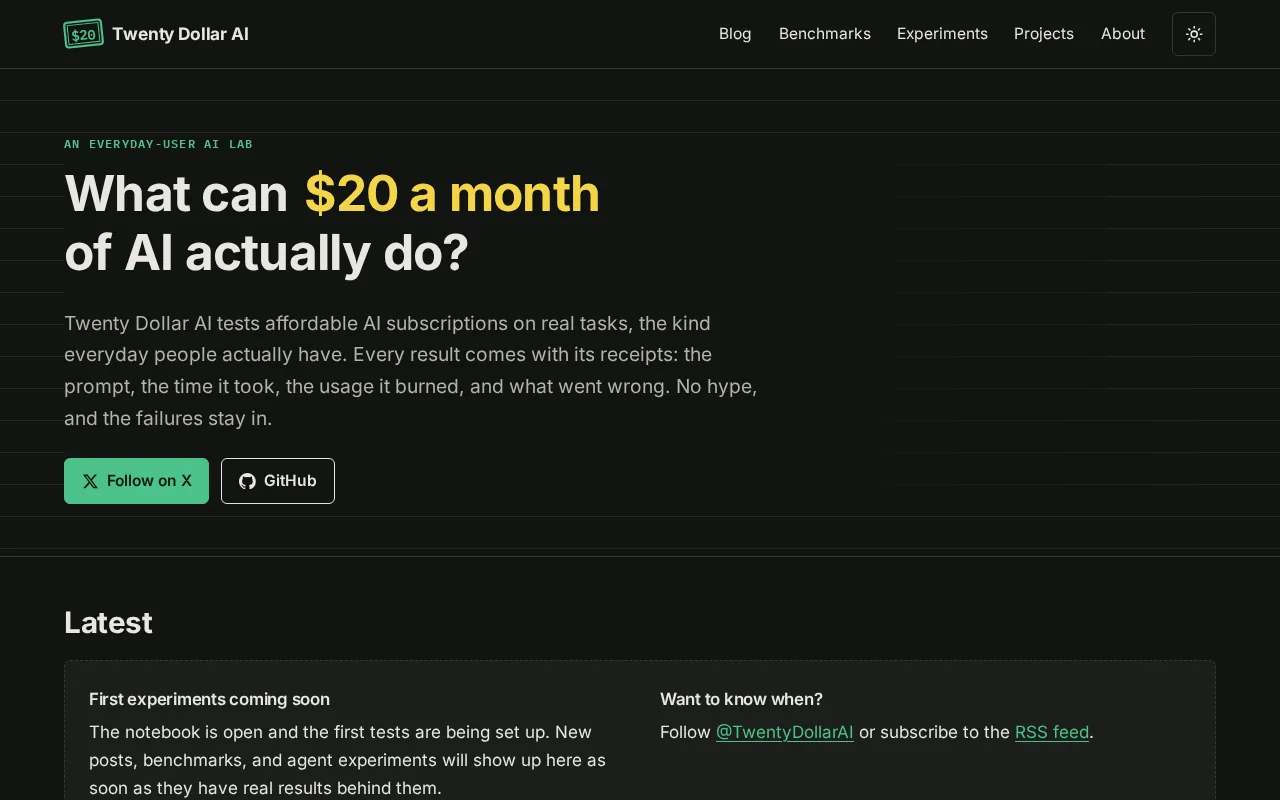
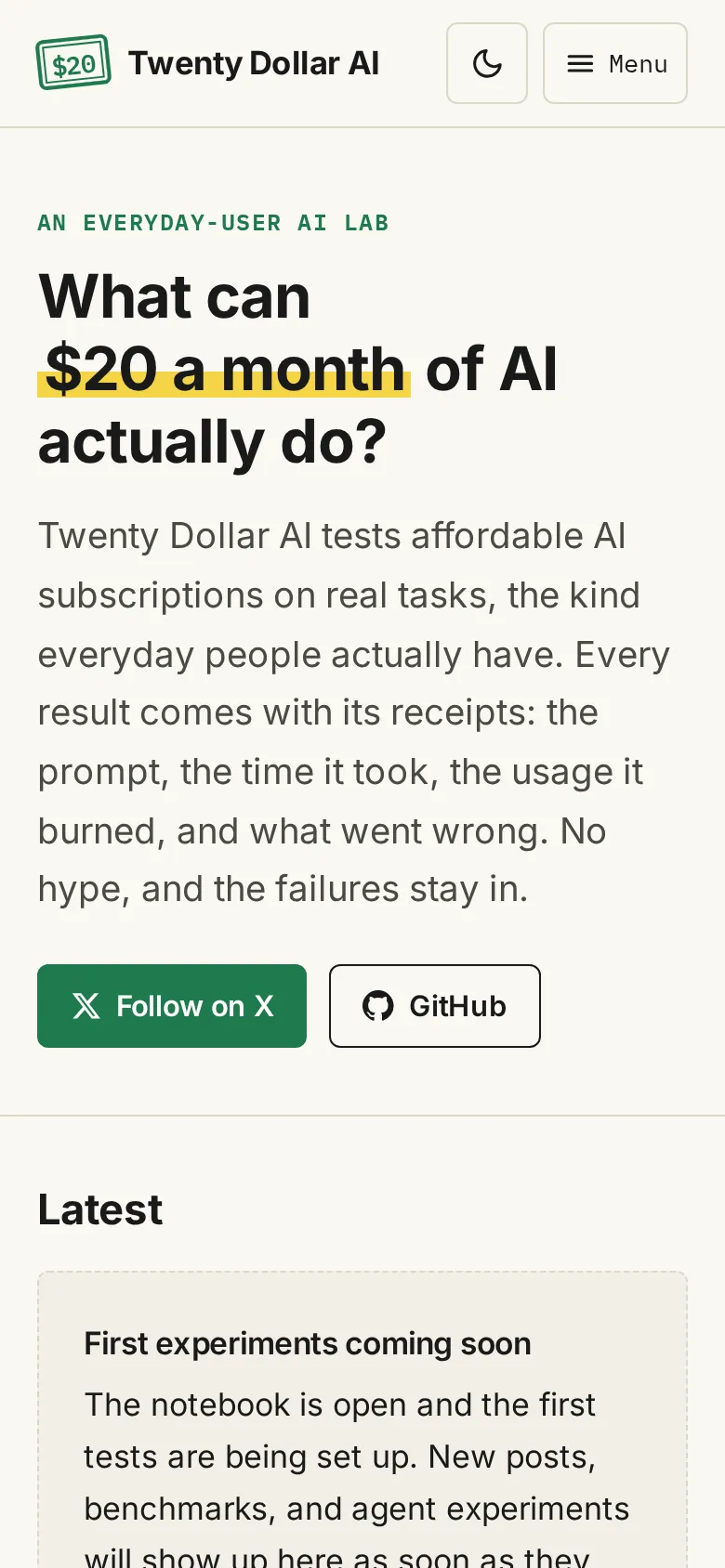
The live homepage in dark mode on desktop and on a 390 px phone-sized screen, captured by the agent’s test browser after launch.
Bugs and surprises
Defects the agent found and fixed during testing (Phase 3):
- Layout shift while fonts loaded. Lighthouse measured a Cumulative Layout Shift of 0.115 on desktop and 0.19 on mobile, with mobile Performance at 90. Preloading the two main font files brought CLS to 0 and Performance to 100.
- The RSS feed’s site link left out part of the address when the site is hosted under a sub-path, as on a GitHub project site. The live address has no sub-path, so it isn’t affected, but the bug would have surfaced after a move.
- An unhelpful error for a missing date. The build said
Expected type "date", received "object". It now says “Add a valid date written as YYYY-MM-DD”. - The demo build wrote into the production folder, which made it easy to mistake one for the other. Demo builds now go to their own folder.
Earlier in the build (Phase 2): the first accessibility scan reported issues (the count wasn’t saved), which the agent fixed to 0. The computer it worked on had Node 20, but Astro 7 needs 22.22 or newer, so it installed Node 24. Its first placeholder GitHub link pointed at a real, existing page, so it switched the placeholder to a username that can’t exist.
The restart. Right after I approved Phase 4, the agent’s computer restarted and its tools failed for about 13 minutes. The files came back. The agent compared the project against the ZIP archive from Phase 3, and all 89 files were identical. It reinstalled Node and the test browsers and redid Phase 4. In that phase, its first portable copy of the git history (a “bundle”) produced an empty checkout when cloned, because the bundle was missing a reference. The agent caught this by test-cloning it and fixed it.
GitHub Pages surprises at launch:
- The token couldn’t switch Pages to deploy from GitHub Actions. Both attempts returned HTTP 403 “Resource not accessible by personal access token”.
- When the code arrived, GitHub turned Pages on by itself in its older “deploy from a branch” mode. That started an automatic Jekyll build of the raw source, which failed and deployed nothing.
- The project’s own workflow succeeded, and that’s the version that’s live.
- Until the Pages setting is changed by hand, every future push will also start a failing Jekyll build.
Lessons from this run
These are observations from one project, not general rules.
- Most of the elapsed time was human time. The timed agent work adds up to under an hour. The project took nearly a day because each phase waited for me, and the GitHub steps were mine to do.
- Permissions took more care than code. The careful route (create the repository myself, use a one-repository token with an expiry date) worked, but it added manual steps. Even then, one setting needed rights the token didn’t have.
- “It builds” wasn’t enough. The layout shift and the RSS address bug both passed the build. Lighthouse and the base-path tests caught them.
- Checkpoints paid off. Because a Phase 3 archive existed, the restored files could be checked against it instead of trusted.
- Placeholders need care too. A made-up example link can turn out to be someone’s real page.
Limitations
- AI usage and subscription cost for this build were not measured, so this post makes no claim about what it cost in AI usage.
- Phase 1 wasn’t timed, and the brief time (~11:36) is approximate.
- Nothing was tested on real phones, real Safari (iOS or macOS), Microsoft Edge, or with screen readers. WebKit on Linux is close to Safari but not the same.
- The
http://tohttps://redirect wasn’t checked directly. - The site had no published articles when it was tested, so the checks covered the empty-state pages. This post will be the first real content.
- This is one project, one agent and one person approving it. It’s a single data point, not a benchmark.
What’s next
The next step is the first real experiments, written up with the same templates and labels. The site’s code is in a public repository on GitHub.